cv Field
Header Information
The cv field begins with your personal information. All fields are optional. RenderCV adapts to whatever you provide.
cv:
  name: John Doe
  headline: Machine Learning Engineer
  location: San Francisco, CA
  email: john@example.com # (1)!
  phone: "+14155551234" # (2)!
  website: https://johndoe.dev # (3)!
  photo: photo.jpg
  social_networks:
    - network: LinkedIn # (4)!
      username: johndoe
    - network: GitHub
      username: johndoe
  custom_connections:
    - placeholder: Book a call # (5)!
      url: https://cal.com/johndoe
      fontawesome_icon: calendar-days
- Multiple emails can be provided as a list.
- Multiple phone numbers can be provided as a list. The display format (national, international, or E164) can be controlled with
design.header.connections.phone_number_format. - Multiple websites can be provided as a list.
- Available social networks:
LinkedIn,GitHub,GitLab,IMDB,Instagram,ORCID,Mastodon,StackOverflow,ResearchGate,YouTube,Google Scholar,Telegram,WhatsApp,Leetcode,X,Bluesky,Reddit - Custom connections let you add any extra link (or plain text if
urlis omitted) with your own display text (placeholder) and a Font Awesome icon name (e.g.,calendar-days,envelope). For the list of available icons, see fontawesome.com/search.
Sections
The sections field holds the main content of your CV. It's a dictionary where:
- Keys are section titles (displayed as headings). Section titles can be anything.
- Values are lists of entries
cv:
  name: John Doe

  sections:
    summary:
      - Software engineer with 10 years of experience in distributed systems.

    experience:
      - company: Acme Corp
        position: Senior Engineer
        start_date: 2020-01
        end_date: present
        highlights:
          - Led migration to microservices architecture
          - Reduced deployment time by 80%

    education:
      - institution: MIT
        area: Computer Science
        degree: BS
        start_date: 2012-09
        end_date: 2016-05

    skills:
      - label: Languages
        details: Python, Go, Rust, TypeScript
      - label: Infrastructure
        details: Kubernetes, Terraform, AWS
Section names are just titles. You can use any of the 9 entry types in any section. Choose what works best for your content.
For example, experience section could use NormalEntry:
sections:
  experience:
    - name: Acme Corp — Senior Engineer
      start_date: 2020-01
      end_date: present
      highlights:
        - Led migration to microservices architecture
Or BulletEntry for a minimal style:
sections:
  experience:
    - bullet: "**Acme Corp** — Senior Engineer (2020–present)"
    - bullet: "**StartupXYZ** — Founding Engineer (2018–2020)"
One entry type per section
Each section must contain only one type of entry. For example, you cannot mix ExperienceEntry and EducationEntry in the same section.
Entry Types
RenderCV provides 9 entry types:
each rendered differently on the PDF.
EducationEntry
For academic credentials.
| Field | Required | Description |
|---|---|---|
institution |
Yes | School or university name |
area |
Yes | Field of study |
degree |
No | Degree type (BS, MS, PhD, etc.) |
date |
No | Custom date string (overrides start/end) |
start_date |
No | Start date |
end_date |
No | End date (or present) |
location |
No | Institution location |
summary |
No | Brief description |
highlights |
No | List of bullet points |
institution: Boğaziçi University
area: Mechanical Engineering
degree: BS
date:
start_date: 2015-09
end_date: 2020-06
location: Istanbul, Turkey
summary:
highlights:
  - 'GPA: 3.24/4.00 ([Transcript](https://example.com))'
  - "Awards: Dean's Honor List, Sportsperson of the Year"









ExperienceEntry
For work history and professional roles.
| Field | Required | Description |
|---|---|---|
company |
Yes | Employer name |
position |
Yes | Job title |
date |
No | Custom date string (overrides start/end) |
start_date |
No | Start date |
end_date |
No | End date (or present) |
location |
No | Office location |
summary |
No | Role description |
highlights |
No | List of accomplishments |
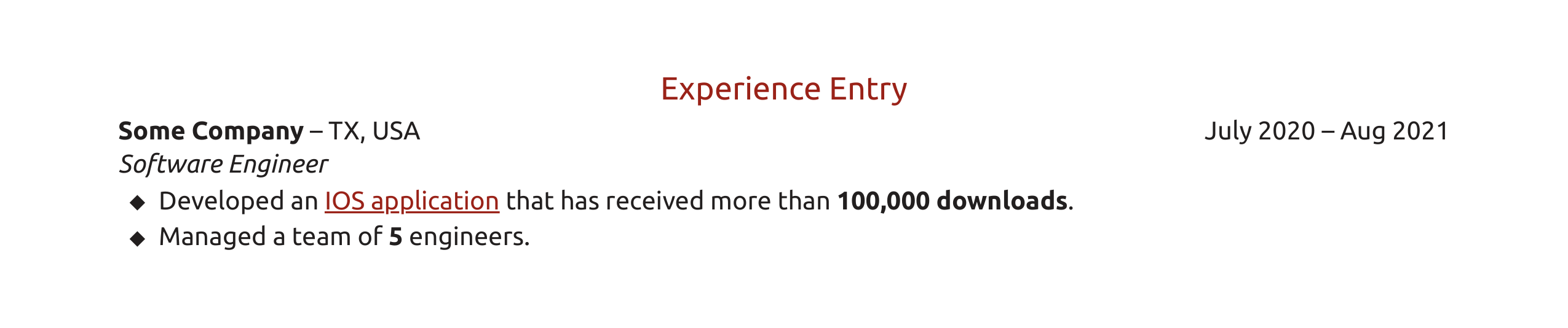
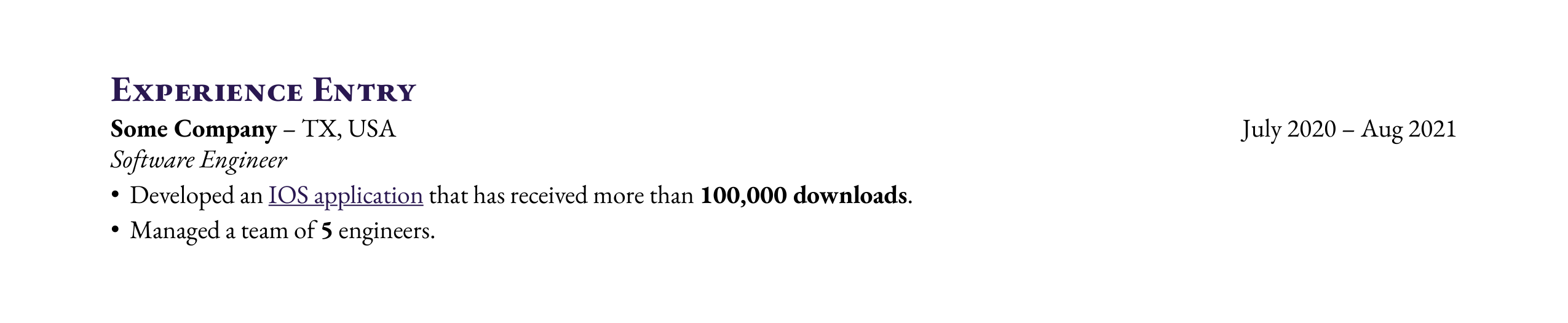
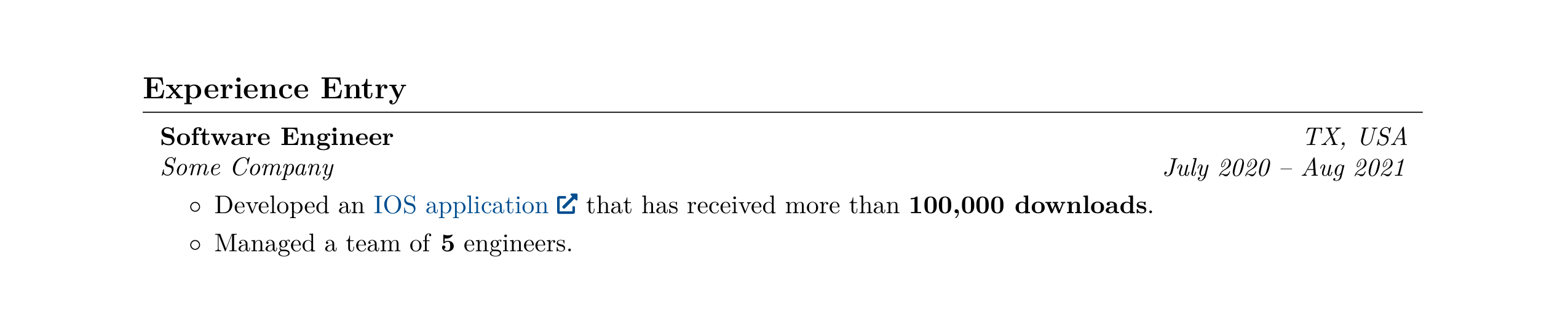
company: Some Company
position: Software Engineer
date:
start_date: 2020-07
end_date: '2021-08-12'
location: TX, USA
summary:
highlights:
  - Developed an [IOS application](https://example.com) that
    has received more than **100,000 downloads**.
  - Managed a team of **5** engineers.






NormalEntry
A flexible entry for projects, awards, certifications, or anything else.
| Field | Required | Description |
|---|---|---|
name |
Yes | Entry title |
date |
No | Custom date string (overrides start/end) |
start_date |
No | Start date |
end_date |
No | End date (or present) |
location |
No | Associated location |
summary |
No | Brief description |
highlights |
No | List of bullet points |
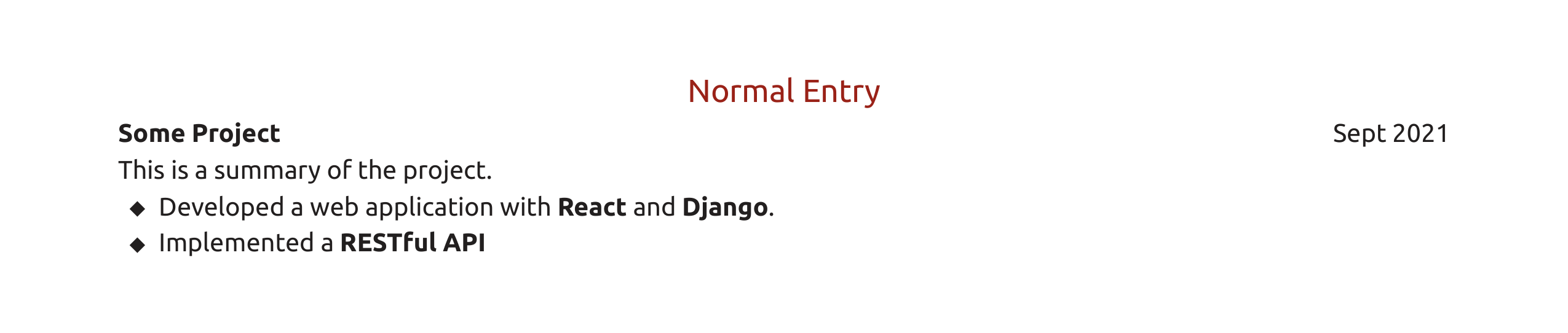
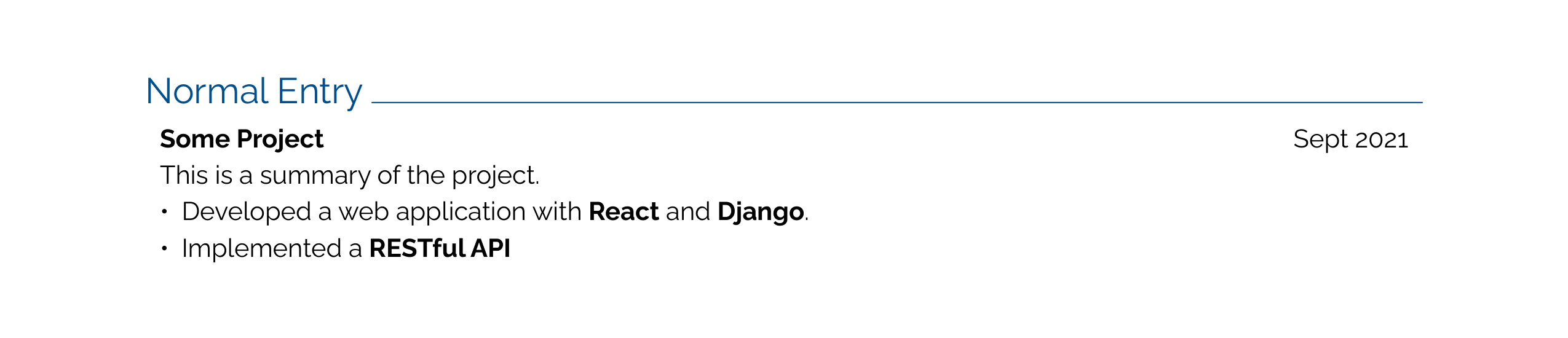
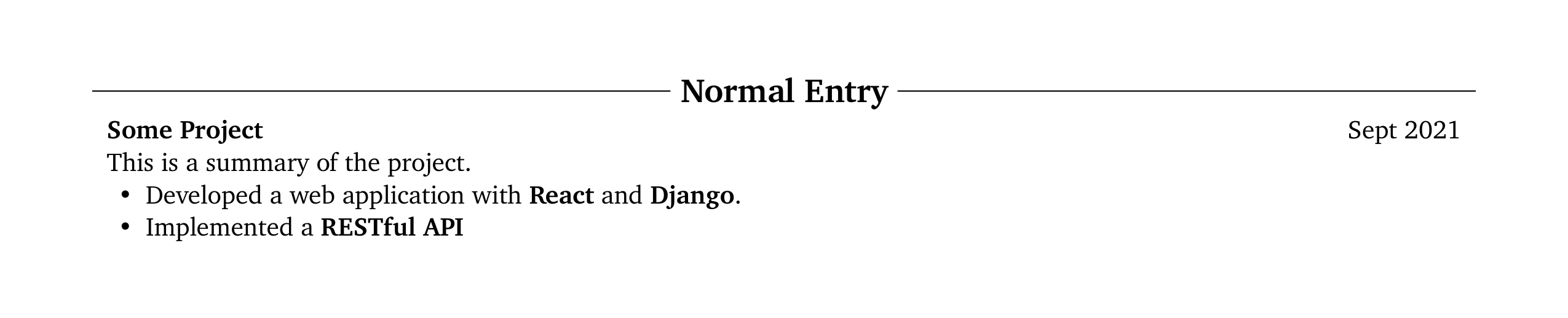
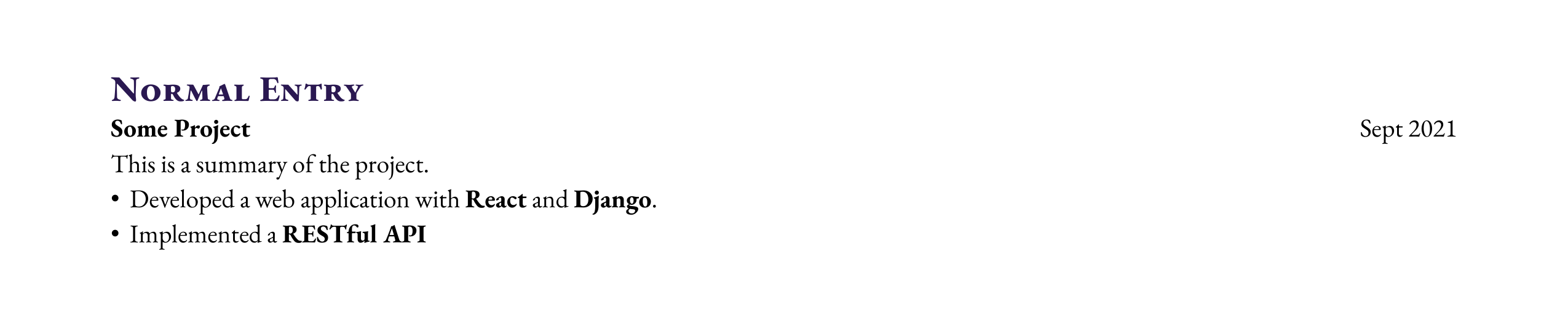
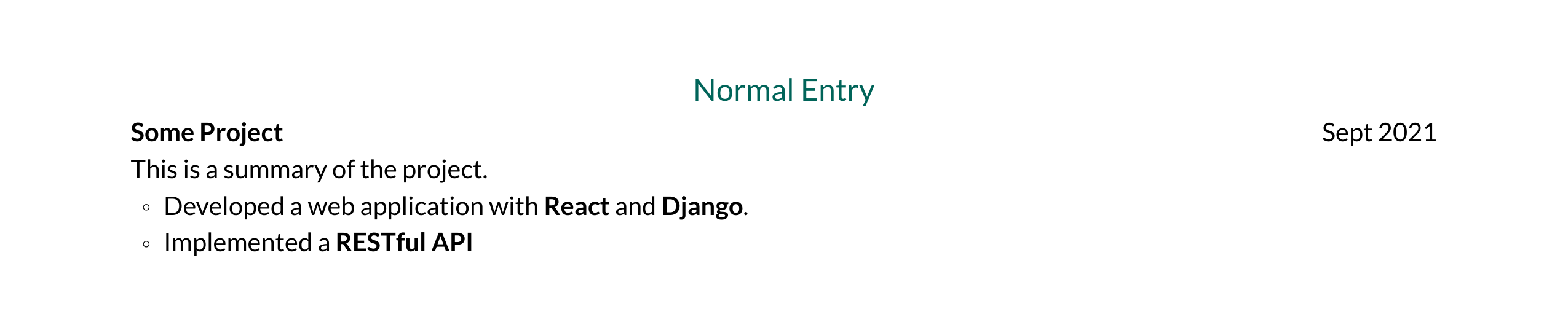
name: Some Project
date: 2021-09
start_date:
end_date:
location:
summary: This is a summary of the project.
highlights:
  - Developed a web application with **React** and
    **Django**.
  - Implemented a **RESTful API**




PublicationEntry
For papers, articles, and other publications.
| Field | Required | Description |
|---|---|---|
title |
Yes | Publication title |
authors |
Yes | List of author names (use *Name* for emphasis) |
doi |
No | Digital Object Identifier |
url |
No | Link to the publication |
journal |
No | Journal, conference, or venue name |
date |
No | Publication date |
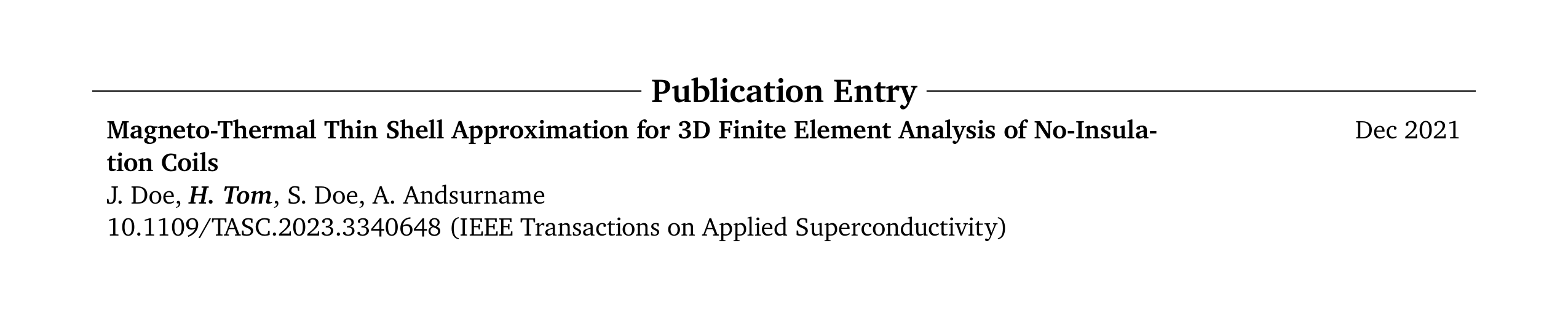
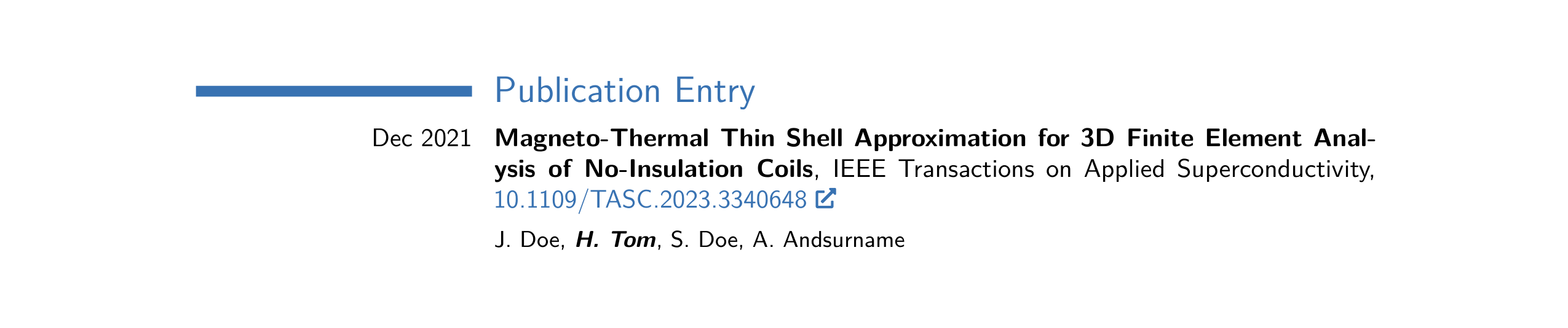
title: Magneto-Thermal Thin Shell Approximation for 3D
  Finite Element Analysis of No-Insulation Coils
authors:
  - J. Doe
  - '***H. Tom***'
  - S. Doe
  - A. Andsurname
summary:
doi: 10.1109/TASC.2023.3340648
url:
journal: IEEE Transactions on Applied Superconductivity
date: '2021-12-08'







OneLineEntry
For compact key-value pairs, ideal for skills or technical proficiencies.
| Field | Required | Description |
|---|---|---|
label |
Yes | Category name |
details |
Yes | Associated details |









BulletEntry
A single bullet point. Use for simple lists.
| Field | Required | Description |
|---|---|---|
bullet |
Yes | The bullet text |









NumberedEntry
An automatically numbered entry.
| Field | Required | Description |
|---|---|---|
number |
Yes | The entry content |









ReversedNumberedEntry
A numbered entry that counts down (useful for publication lists where recent items come first).
| Field | Required | Description |
|---|---|---|
reversed_number |
Yes | The entry content |









TextEntry
Plain text without structure. Just write a string.
This is a *TextEntry*. It is only a text and can be useful for
sections like **Summary**. To showcase the TextEntry completely,
this sentence is added, but it doesn't contain any information.
...









Text Formatting & Features
Using Markdown
All text fields support basic Markdown:
highlights:
  - Increased revenue by **$2M** annually
  - Developed [open-source tool](https://github.com/example) with *500+ stars*
**text**→ bold*text*→ italic[text](url)→ hyperlink`code`→code
Using Typst
All text fields support
- Typst math (surround with
$$like$$f(x) = x^2$$) - Typst commands (like
#emph[emphasized]).
Arbitrary Keys
You can add arbitrary keys to any entry. By default, they're ignored, but you can reference them in design.templates field. See Arbitrary Keys in Entries for more information.